RECORD
No bot joins your call.
Capture meeting audio from your microphone or your Mac’s system audio. There is no AI participant to invite into Zoom, Google Meet, or Microsoft Teams.
 AI Transcription
Get the app
Private meeting transcription for Mac
Record a conversation from your microphone or Mac audio. Get an on-device transcript with speaker labels—without inviting an AI participant or uploading the recording to a transcription service.
Keep the conversation yours
A simple meeting workflow
AI Transcription works with the audio already playing on your Mac. Start a recording, take part in the conversation, then turn the saved audio into a transcript when the meeting ends.
RECORD
Capture meeting audio from your microphone or your Mac’s system audio. There is no AI participant to invite into Zoom, Google Meet, or Microsoft Teams.
TRANSCRIBE
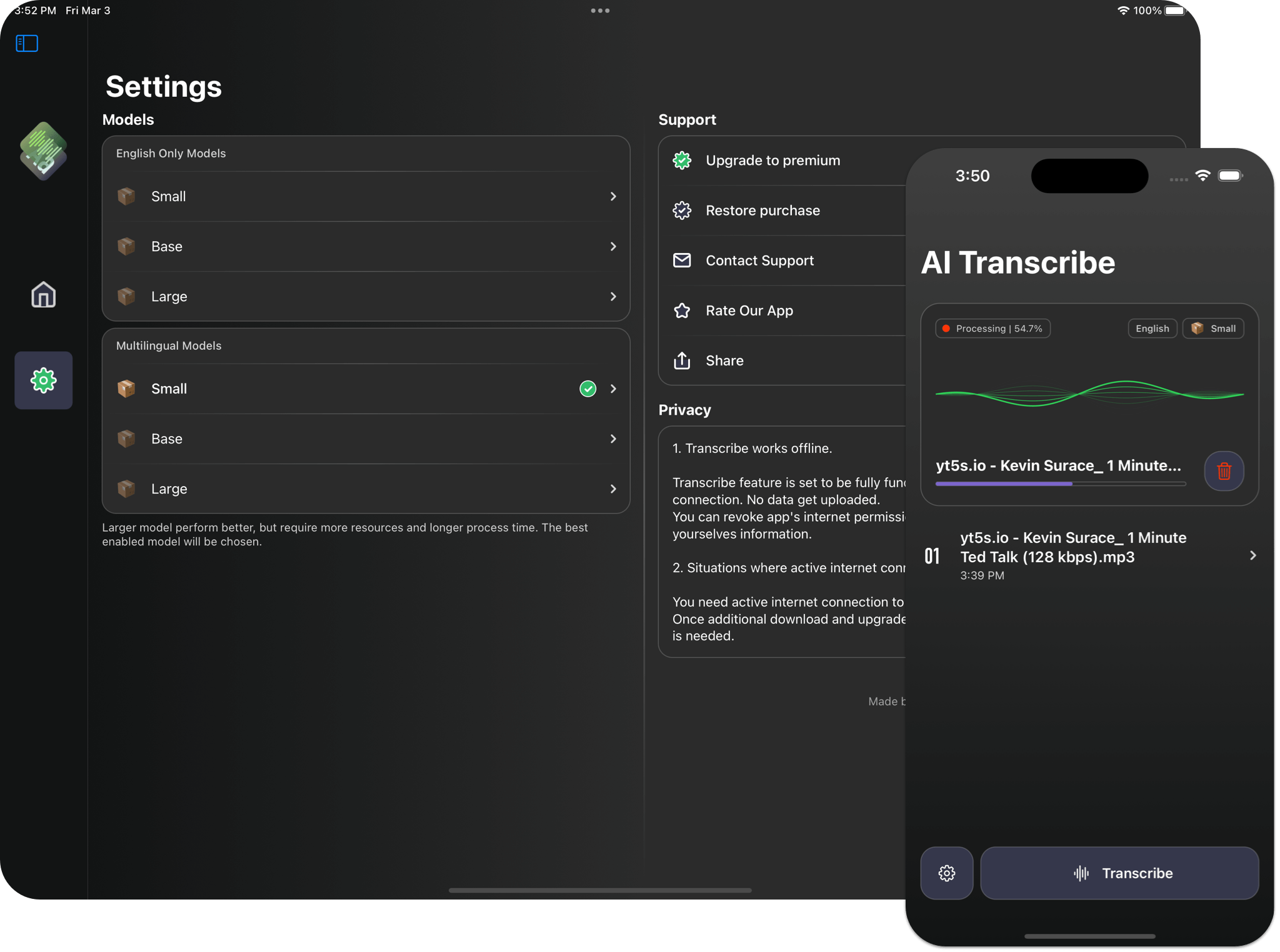
Download a supported model, then transcribe on your device without an internet connection. Your meeting audio does not need to leave your Mac for transcription.
REVIEW
Speaker diarization separates a conversation into speaker turns, making interviews, planning calls, and long discussions easier to review and search.
See the step-by-step guide to recording and transcribing a meeting
Privacy by design
Work conversations can include customer details, product plans, and decisions that are not meant for a third-party service. AI Transcription keeps recordings on your device and processes supported transcription models locally.
For offline use, download the model you plan to use before disconnecting from the internet. You can then record and transcribe without sending meeting audio to a cloud transcription service.
Record audio directly on your Mac instead of connecting an assistant to your calendar or meeting account.
Supported speech-to-text models run on your device. Recordings and transcripts stay in your local workflow.
You control when to record and which conversations to keep. Tell participants and follow your organization’s recording policy.
Made for conversations that matter
A transcript gives you a way to revisit the details without trying to write down every word while people are talking.
Review questions, context, and follow-ups from customer conversations with a speaker-labeled transcript.
Search and revisit the discussion when you need to check a detail after the meeting.
Record and transcribe interviews on device, then review responses by speaker turn.
Straightforward purchase options
AI Transcription is free to download, with in-app purchase options that include a one-time purchase. A subscription option is also available. Check the App Store for current prices and terms in your region.
Good questions
Get the details on bot-free recording, offline transcription, and price.
No. It records microphone or system audio on your device; it does not join Zoom, Google Meet, or Microsoft Teams as a participant.
Yes. Download a supported transcription model first. Transcription can then run on your device without an internet connection.
Yes. AI Transcription has a one-time in-app purchase option as well as subscription options. Availability and pricing depend on your App Store region.
On Mac, system audio recording can capture audio from compatible meeting apps such as Zoom, Google Meet, and Microsoft Teams. You can also record through your microphone.
Yes. Bot-free recording does not remove the need to get consent or follow applicable recording laws and workplace policies. Let meeting participants know when you record.